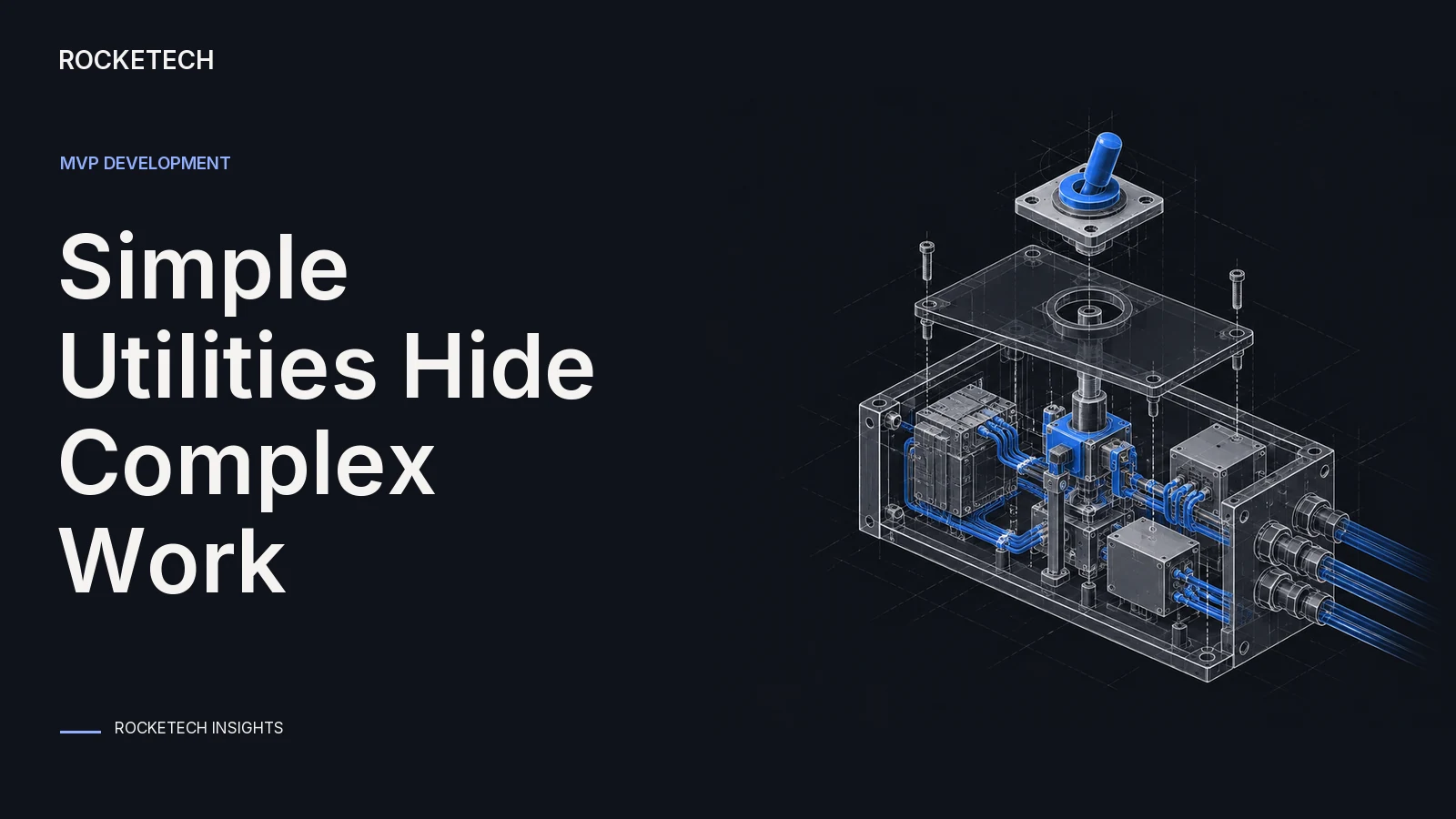
A utility tool does one practical job: a speed test, a scanner, a voice keyboard, a file converter, a meeting recorder. On a sketch it’s one screen and one button. That’s what makes utilities easy to underestimate. Behind the button there can be a network of servers, a research problem, a sensor or an App Store rule that blocks the whole idea.
Below are the five difficulties we see most often, how to check each one in about a week, and what a first version costs.
Why utility MVPs surprise people
The stores are strict, and utilities sit in crowded categories. In 2025 Apple reviewed 9,100,620 app submissions and rejected 2,093,244 of them, according to its App Store Transparency Report. Performance problems, such as crashes and incomplete apps, accounted for 1,354,418 rejections.
Apple’s App Review Guidelines also name utility categories directly. Under guideline 4.3(b), new flashlight, sound effects, wallpaper and simple timer apps aren’t accepted unless they offer a meaningfully different or improved experience. A copy of a utility that already exists won’t get in.
Price is the other surprise. Across the agencies in the Rocketech MVP Price Index 2026, the median published starting price of an MVP is $13,234 (71 agencies). Many utilities now include AI, and at agencies that price both, the cheapest AI MVP starts at a median 4.8 times the regular one (15 agencies). These are published prices, not what agencies charge after scoping.
1. A big backend behind a simple button
Some features look simple on the surface and need a large service behind them. Take an app that shows your internet speed right now. To measure it, the app has to send data to a server, have the server receive it and time the transfer, then do the same in reverse for upload. To give accurate numbers to users around the world, you need many servers in many places. That network is a product of its own.
How to check it: draw what happens after the user taps the button, step by step, down to the servers. Mark every step that needs something that runs all day. Then look for a service you can rent for each one instead of building it.
2. Technology that doesn’t exist yet
Some features sound great, but nobody has built the technology yet. Reading technical data from devices around the user, with no physical access to them, could take months of research with no promise of a result.
How to check it: run a short spike on the riskiest part before you plan the rest. Give it one to five days, with real data, and a clear pass line. If it fails, change the feature or drop it before it eats the budget.
3. Another field of engineering
Some features cross into hardware. Reading analog signals, temperature sensors, light sensors or audio in real time isn’t ordinary app work. It needs specialists, and estimates for it are less certain.
How to check it: list every input your app reads from the physical world. For each one, find out whether a ready-made library or device already gives you clean data. If not, budget for a specialist and a test before the build.
4. Platform rules on iPhone and Android
Utilities often want deep access to the phone, and that’s where store rules bite. The ones that catch utility apps most often in 2026:
Public APIs only: Apple’s guideline 2.5.1 allows only public APIs, used for their intended purpose. If a feature needs a private one, it won’t pass review.
Keyboards: under guideline 4.4.1, a keyboard extension must keep working without full network access and without full access, and can’t launch other apps except Settings.
Recording: guideline 2.5.14 requires explicit consent and a clear visual or audible sign whenever an app records the camera, microphone or screen.
Background work: guideline 2.5.4 allows background services only for their intended purposes, such as audio playback, calls, location and finishing a task.
AI helpers on Android: in its January 2026 newsletter, Google Play repeated that apps may not use the Accessibility API to start, plan and carry out actions or decisions on their own.
Rules change too. Apple updated its guidelines again on 16 October 2026.
How to check it: before design starts, read the guideline sections that touch your main feature, and build the permission flow for that feature first. If the feature only works with a workaround, ask users whether they’d still pay for it with the workaround.
5. Third-party services
The good news: most of the problems above can be solved with a ready-made service someone else built. Then the work is to connect it and put the button in your app. That fits the MVP idea well. It has costs of its own, though:
you depend on how well the other company’s service works;
usage limits and price per request can change;
your cost per user has to stay below what the user pays.
How to check it: for every outside service, write down the price per request or per user, the limits and what happens if it goes down. Multiply by the usage you expect in month one.
The five difficulties at a glance
Difficulty
Warning sign
How to check it in a week
MVP way around it
Big backend
The feature needs servers running all day
Draw what happens after the tap
Rent the backend from a service
New technology
Nobody has built it before
A 1-5 day spike with real data
Cut or change the feature
Another field
The app reads sensors, signals or live audio
List each physical input
A specialist and a test before the build
Platform rules
Deep access to the phone, keyboards, recording, background work
Read the guideline sections first
Build the permission flow first
Third parties
Price per request, limits, uptime
Cost per user against your price
Pick a service with clear pricing
Utility MVP difficulties and how to check them before you build
A utility that shipped in 2 weeks
EasySpk is a voice keyboard for iPhone. You tap the mic, talk, and it types clean text in any app. When the client came to us there was no name, brand or code yet. Speed was the core of the product, because people use a voice keyboard to save time.
We shipped the first release to the App Store 2 weeks after the start. It went live on our own Apple developer and Stripe accounts, so the client didn’t have to wait for their own approvals. EasySpk got 1,000+ downloads in its first days, and speech processing went from up to 3 seconds to up to 1 second.
How we would estimate this
Our project estimate turns your brief into user stories. You confirm what’s in scope, and every hour in the budget traces back to a story you kept. Write each of the five checks above as a story of its own, such as “speed test reaches a server in Europe and in Asia”, and you’ll see what each difficulty adds. We check the hours the model suggests against what our team actually books on finished projects, then multiply by our published rate of $39-55 an hour.
For market size, the estimate suggests customer groups and gives each one a TAM, SAM and SOM with a note on what the number covers. Treat them as hypotheses to test, not verified demand. Utilities often have many small users, so check who will pay. You can run your utility idea through our project estimate in about four minutes.
What we would do
Write the one job your utility does, in one sentence.
Draw what happens after the tap, and mark every part from the table above.
Read the store rules for your main feature before any design.
Test the riskiest part first. Our 1-week discovery sprint costs a fixed $3,000, includes a day on the riskiest technical question and counts toward the build.
Rent what you can, then build the first version. Our iOS app development team builds a first version for typically $5,000-15,000 in 2-4 weeks, plus App Store review. AI MVPs cost the same as any other MVP.
Get a project estimate in a free intro call.
FAQ
What is a utility app?
An app that does one practical job for the user, such as measuring internet speed, scanning documents, typing by voice, converting files or recording meetings. People open it to get something done, not to spend time in it.
How much does it cost to build a utility app MVP?
Our MVPs typically cost $5,000-15,000 and take 2-4 weeks, AI included. Across 71 agencies in the Rocketech MVP Price Index 2026, the median published starting price is $13,234. A large backend or hardware work adds to both.
Why do utility apps get rejected by the App Store?
Performance problems such as crashes and incomplete features cause the most rejections. Utilities also get rejected for using private APIs, for copying a crowded category such as flashlights or timers without anything new, and for recording without clear consent.
Can a utility app use private iPhone APIs?
No. Apple’s guideline 2.5.1 allows only public APIs, used for their intended purpose. If a feature depends on a private API, plan a different way to deliver it before you design the app.
How do you test a risky utility feature before building the whole app?
Run a short spike on the riskiest part with real data, usually one to five days, with a pass line set in advance. If it fails, change the feature before you plan the rest of the build.
The best of our blog, bi-weekly
Carefully curated content for resourceful Devs, CTOs, and PMs. No spam.